Inviting Team Members
Edited
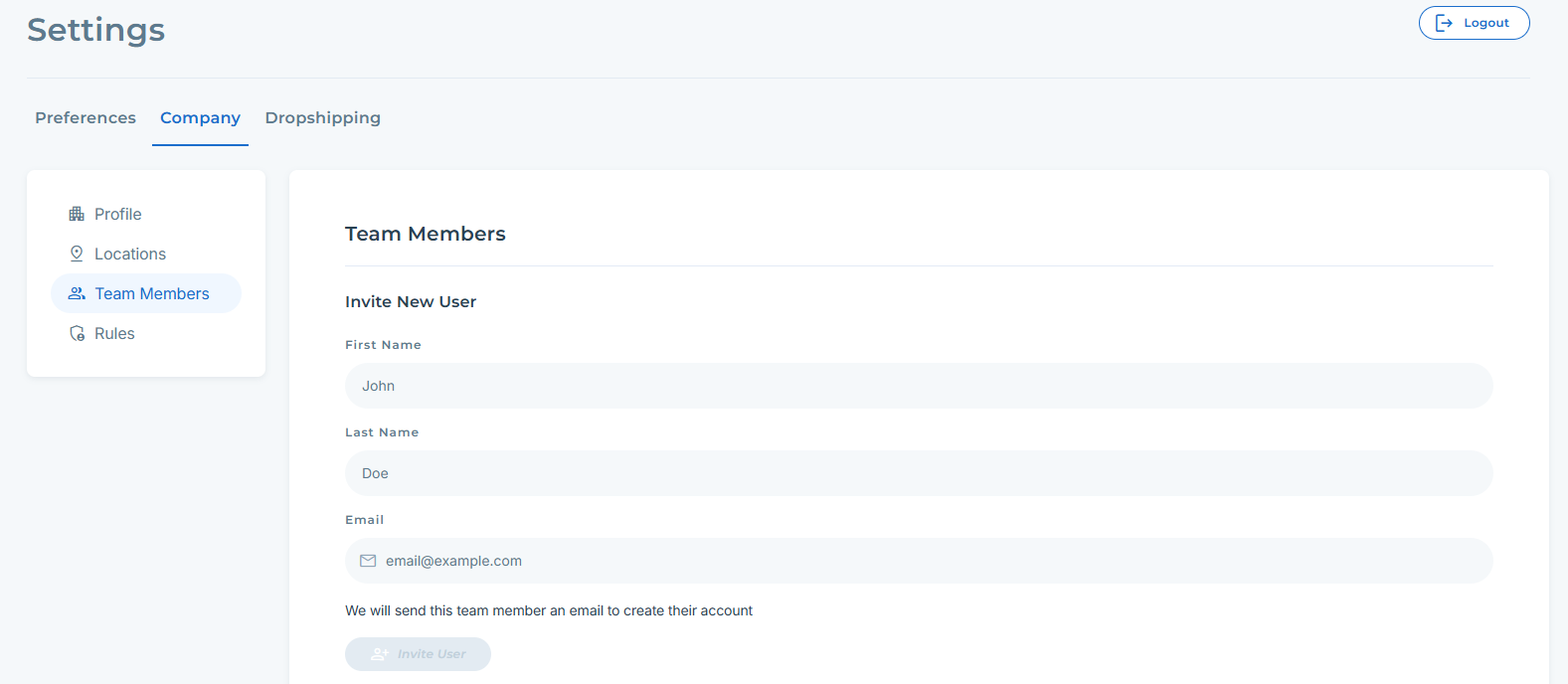
There are often multiple teammates who require access to a company's online eCommerce stores and connections. You can invite your teammates to create their own unique accounts that are linked to the same company as yours.
Inviting New Users
Settings > Company > Team Members:
Account Owner and Managing Team Members
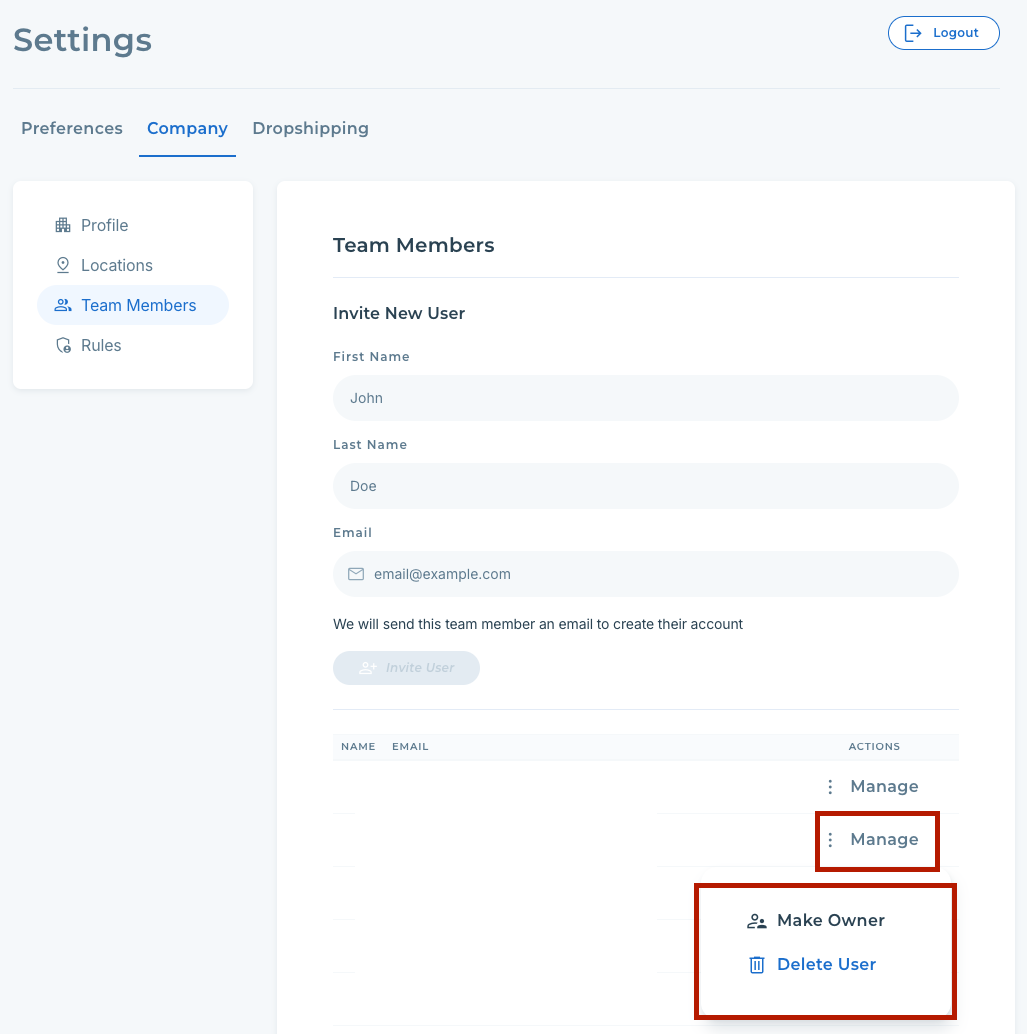
When your account is created, the email used becomes the 'Owner'. To manage the account owner or remove other team members, you can do so from the Team Member settings, as shown below. Only the Owner can transfer ownership to another user.
Settings > Company > Team Members > Manage > Select "Change Owner" or "Delete User":