
How to Change Your Commerce Type
Edited
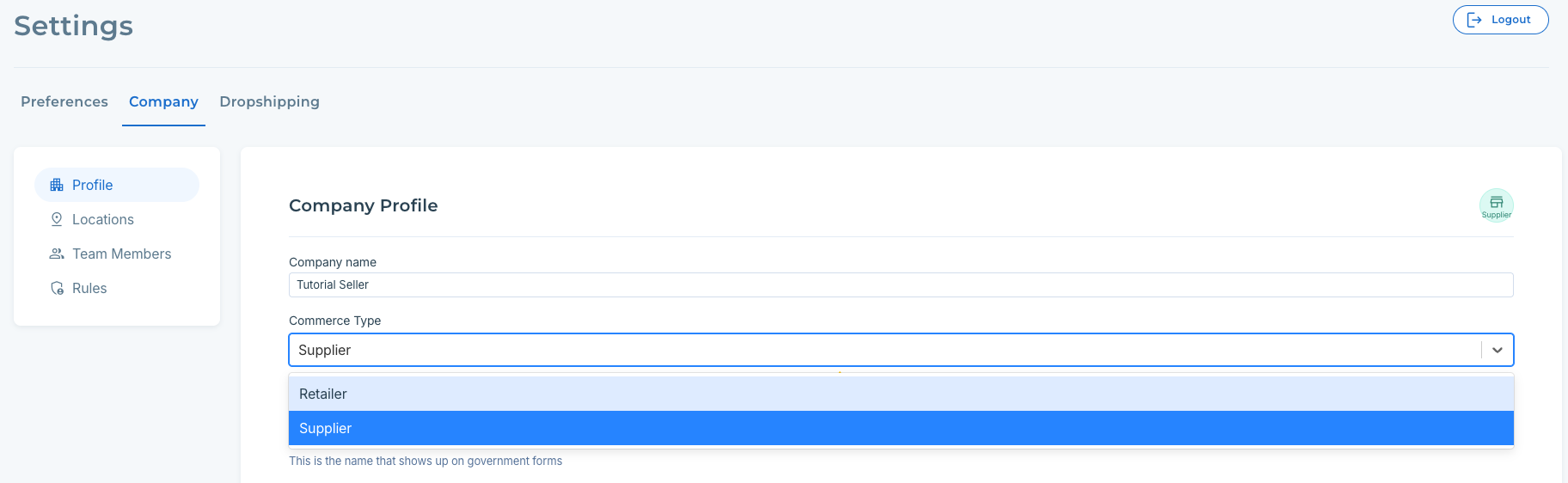
When you create an account with Modern Dropship, you select your company's commerce type to be either a Buyer or a Seller. However, your decision about this may change during the onboarding process.
Steps to Change Your Commerce Type
1. Click on the Settings button on the bottom left
2. Click on Company > Profile
Why Can't I Change My Commerce Type?
Seller already has products imported
There are certain cases where you will be unable to change your commerce type. For example, Seller accounts that have uploaded products will not be able to change their commerce type until they remove their products.
Account contains orders
If your account already contains orders (Retailer or Supplier), then the account type cannot be changed. Please contact support at support@moderndropship.com.