Updating Your WooCommerce URL
Edited
Note: You can change your WooCommerce URL only if you have no products and are non-transactional. If you do not meet this criteria, please contact support at support@moderndropship.com; creating a new account may be necessary.
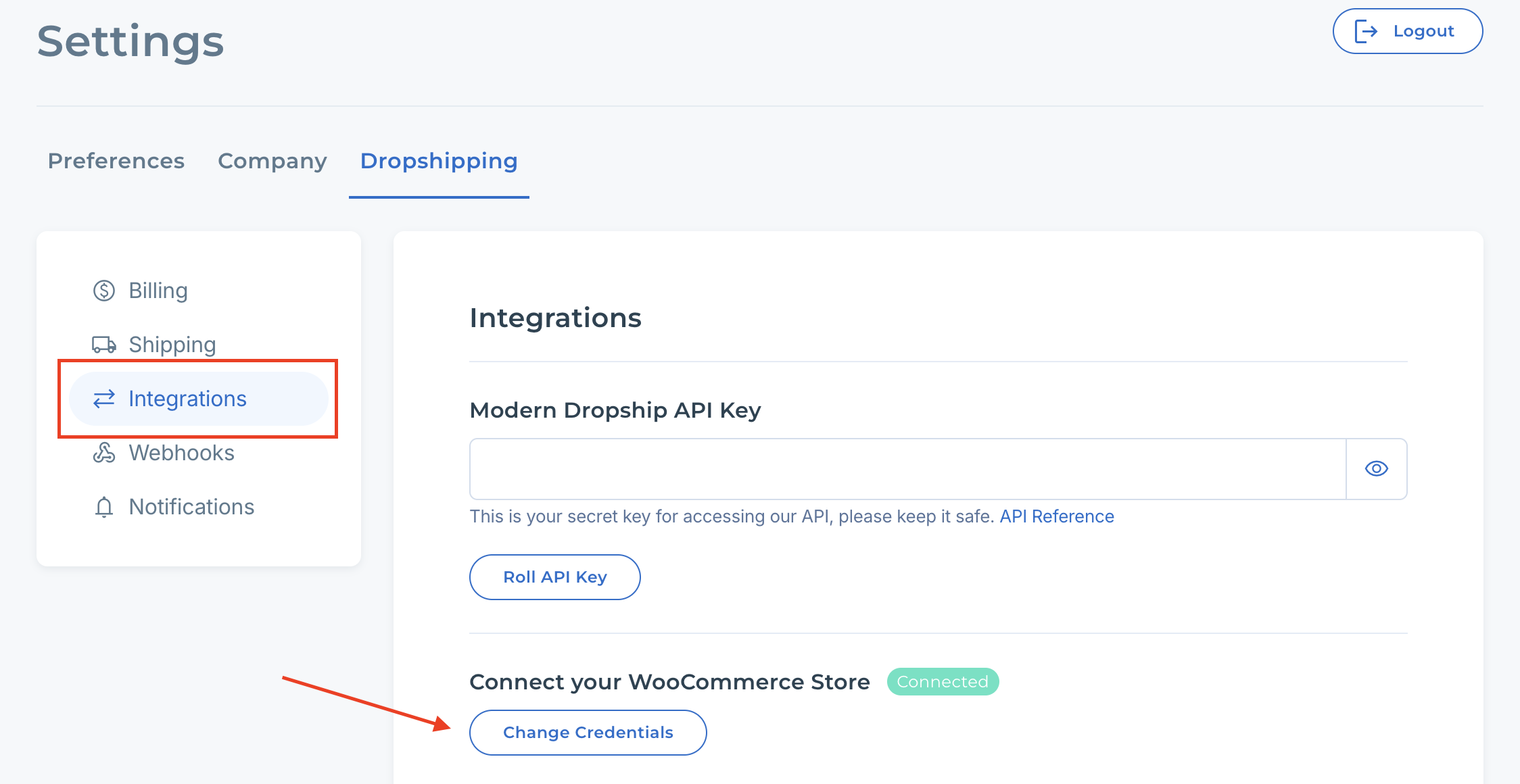
Navigate to Settings > Dropshipping > Integrations > Section - "Connect your WooCommerce Store" > Click "Change Credentials". If you do not see this in the integrations tab of your settings, you've already imported products and formed a partnership, and/or you've received orders.