
Connecting Shopify
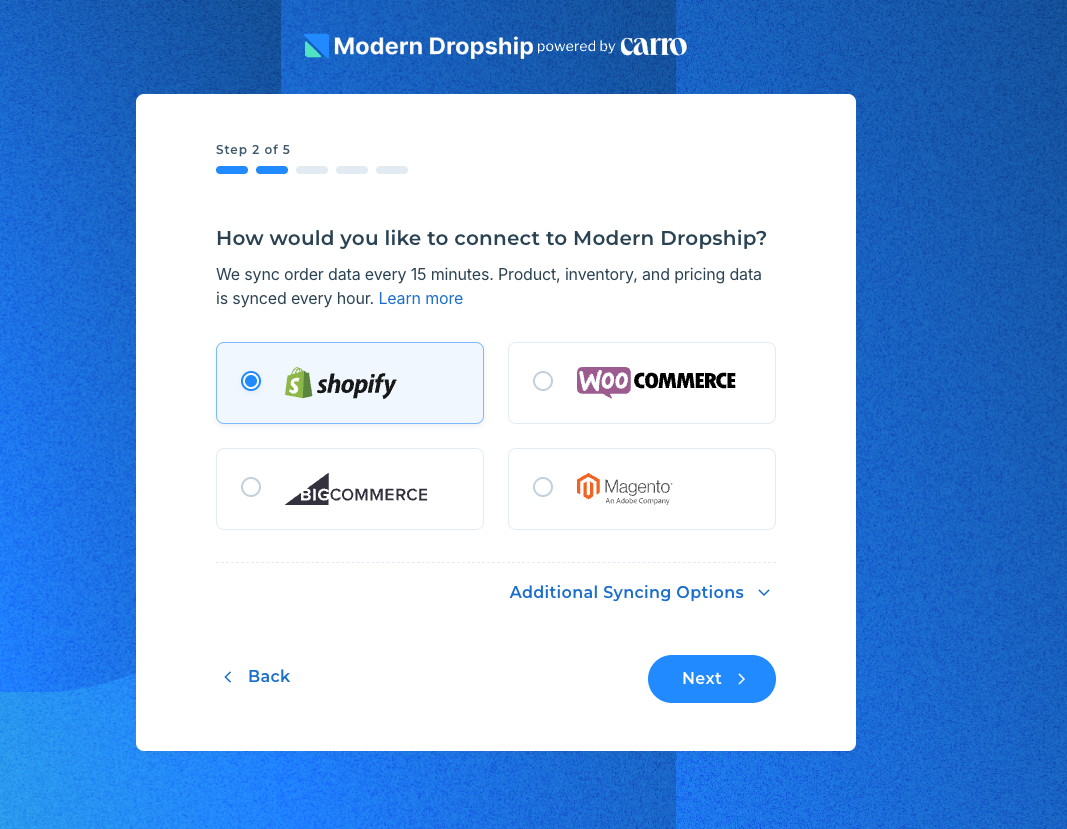
1. Select Shopify as your integration type
After selecting your account type (Suppliers or Retailers) choose the integration type (Shopify)
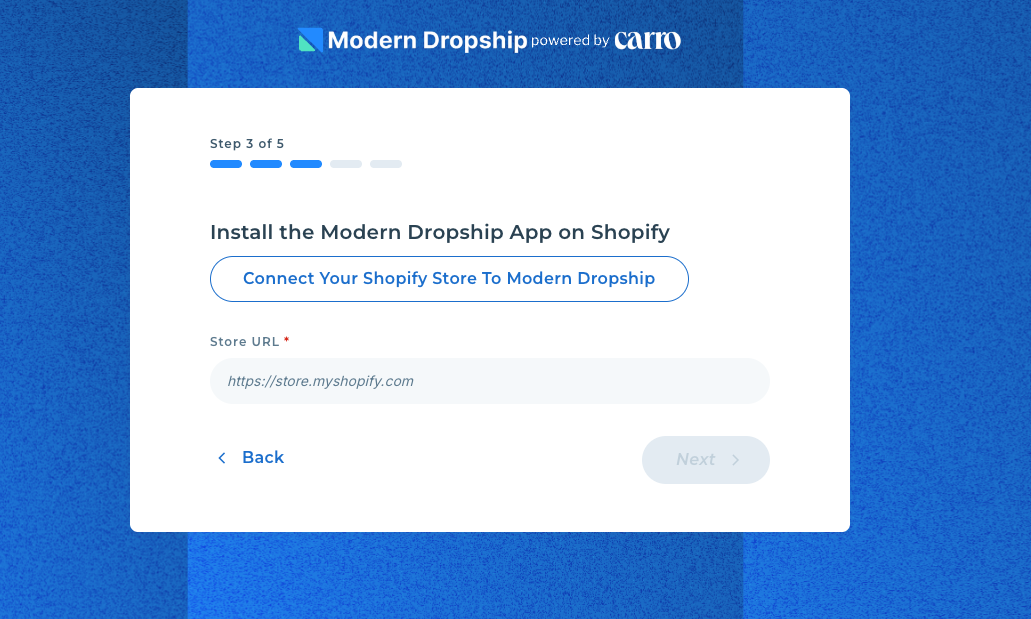
2. Install Modern Dropship on the Shopify App Store
Click "Install the Modern Dropship App on Shopify" button, which will open up the Shopify store selector and all available stores used by the email you are creating the account with.
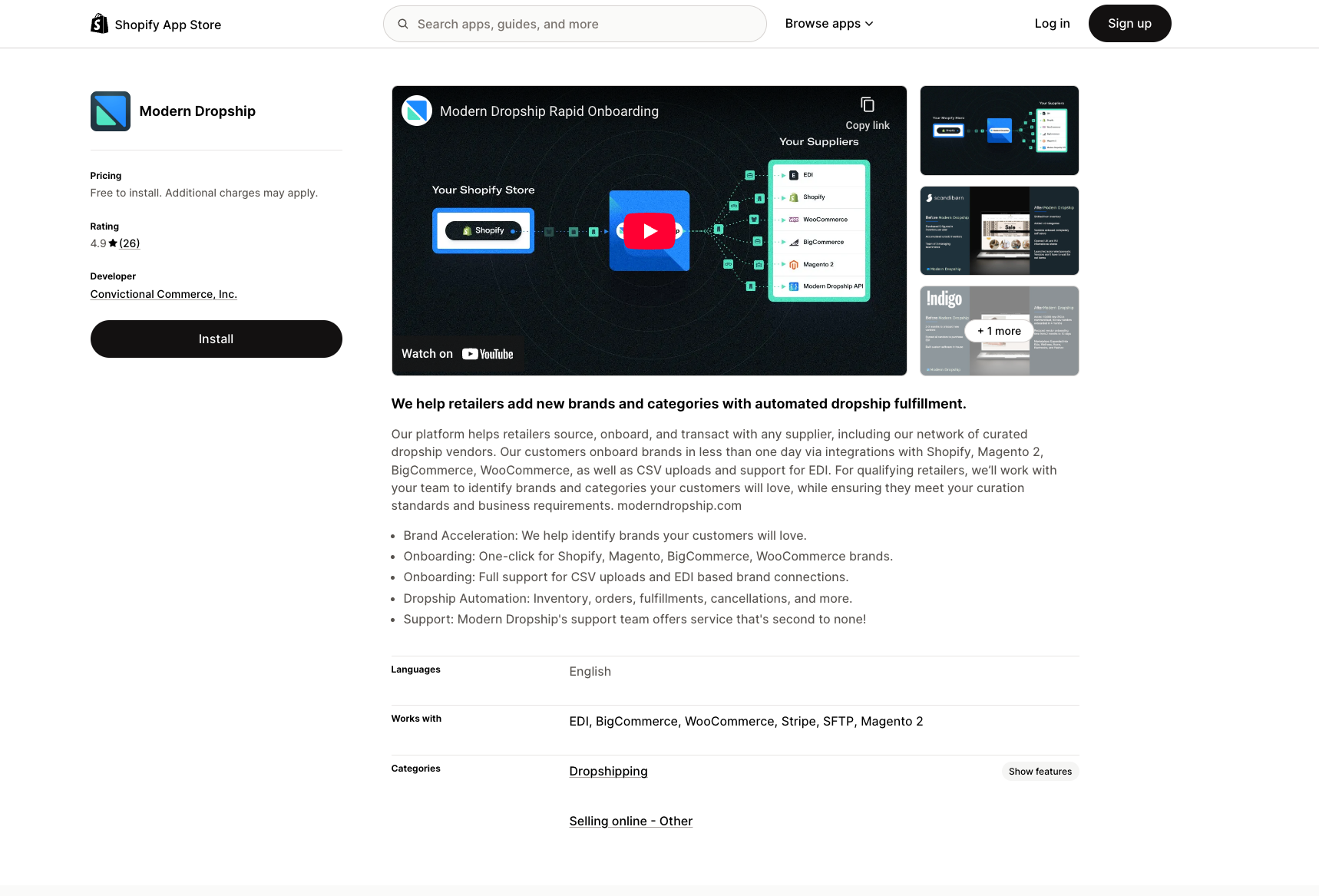
From there, you will be prompted to "Install the Modern Dropship app" from the Shopify app store:
3. Confirm Account details
Once you accept the permissions, we will redirect you back to Modern Dropship, and you will be asked to confirm that the Shopify URL is correct.
As long as you have selected the correct account from the menu, you can proceed by hitting 'Next'.
Tip: When setting up a supplier account, after the initial connection, your products will be visible within the Products tab. Afterwards, products are synced on an hourly basis.