Manual Fulfillment
Edited
IMPORTANT! Manual fulfillment should only happen in Modern Dropship if you do not have a connected platform. If you are using a connected platform like Shopify or BigCommerce, WooCommerce, or Magento this option will not be available.
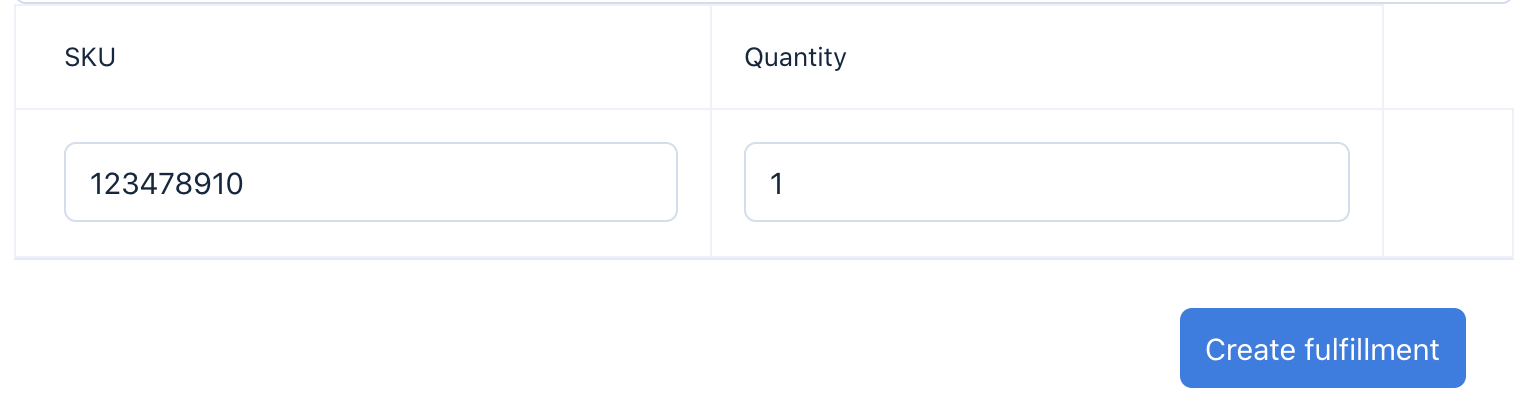
Navigate to the Orders tab. Go to the order you want to fulfill. Click “Create Fulfillment”:

Add a carrier and tracking numbers. You can optionally provide URLs if you have them for tracking:
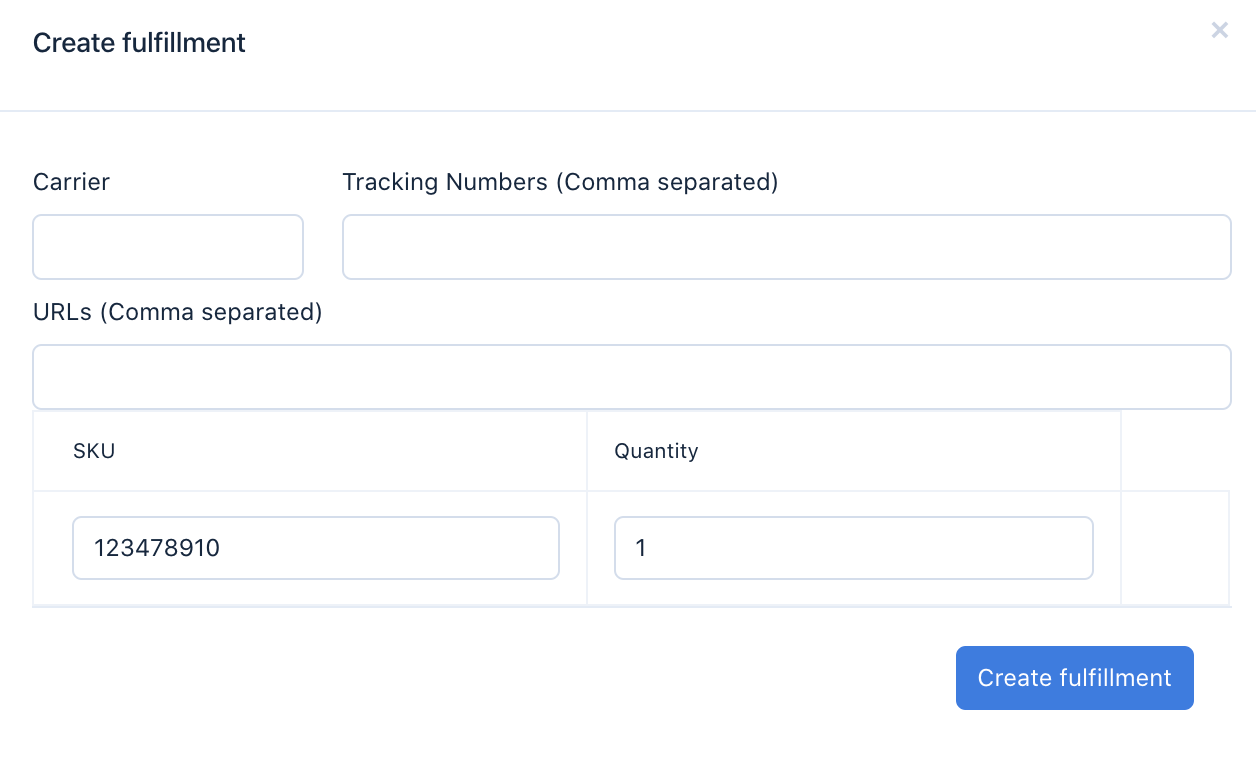
Enter the number of items you are fulfilling for the order and hit submit. You're done!