
Managing Notifications
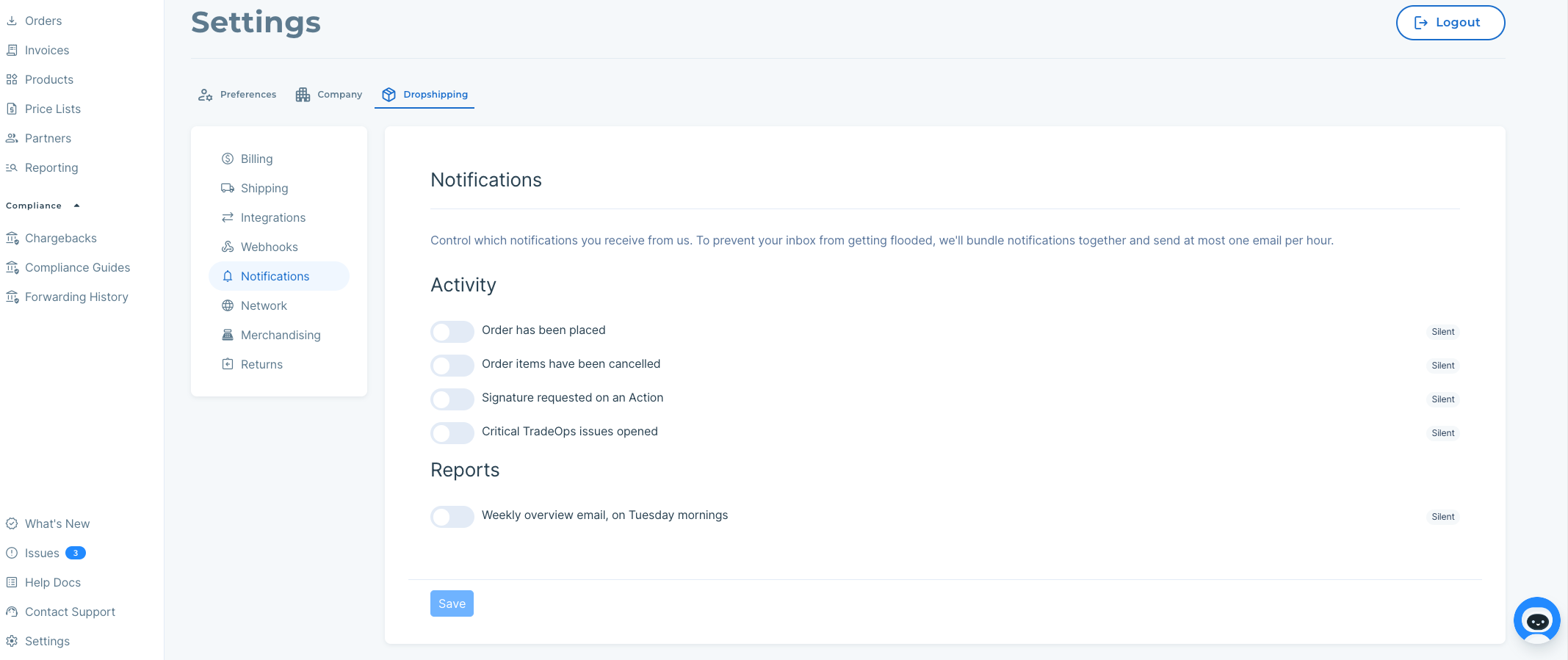
Any Modern Dropship user can manage their notifications by heading to the Notifications tab available in the Settings.
Notifications Settings
These settings are based on the individual user who is presently logged into the account. Changes will not affect other team members listed on the account.
By default, you'll receive notifications for important events that happen in Modern Dropship. To avoid sending you lots of emails, these notifications will be batched and sent at most once per hour. We won't send you an email if there aren't any notifications.
You can toggle which activity you'd like to receive notifications for in the Notifications tab of your account Settings, which you can find in the bottom left of your screen in the Modern Dropship app.
Reports
Additionally, Modern Dropship sends a weekly overview report on Tuesday mornings. You can turn this off by simply toggling and saving the change in the same Notifications area under Settings.
The weekly overview report summarizes your partners' status and the next steps needed in order to become transactional with them.